THE PRINT EDIT / 01
Make every
page count.
From the first draft to the final proof, find a printer that fits the way you work.
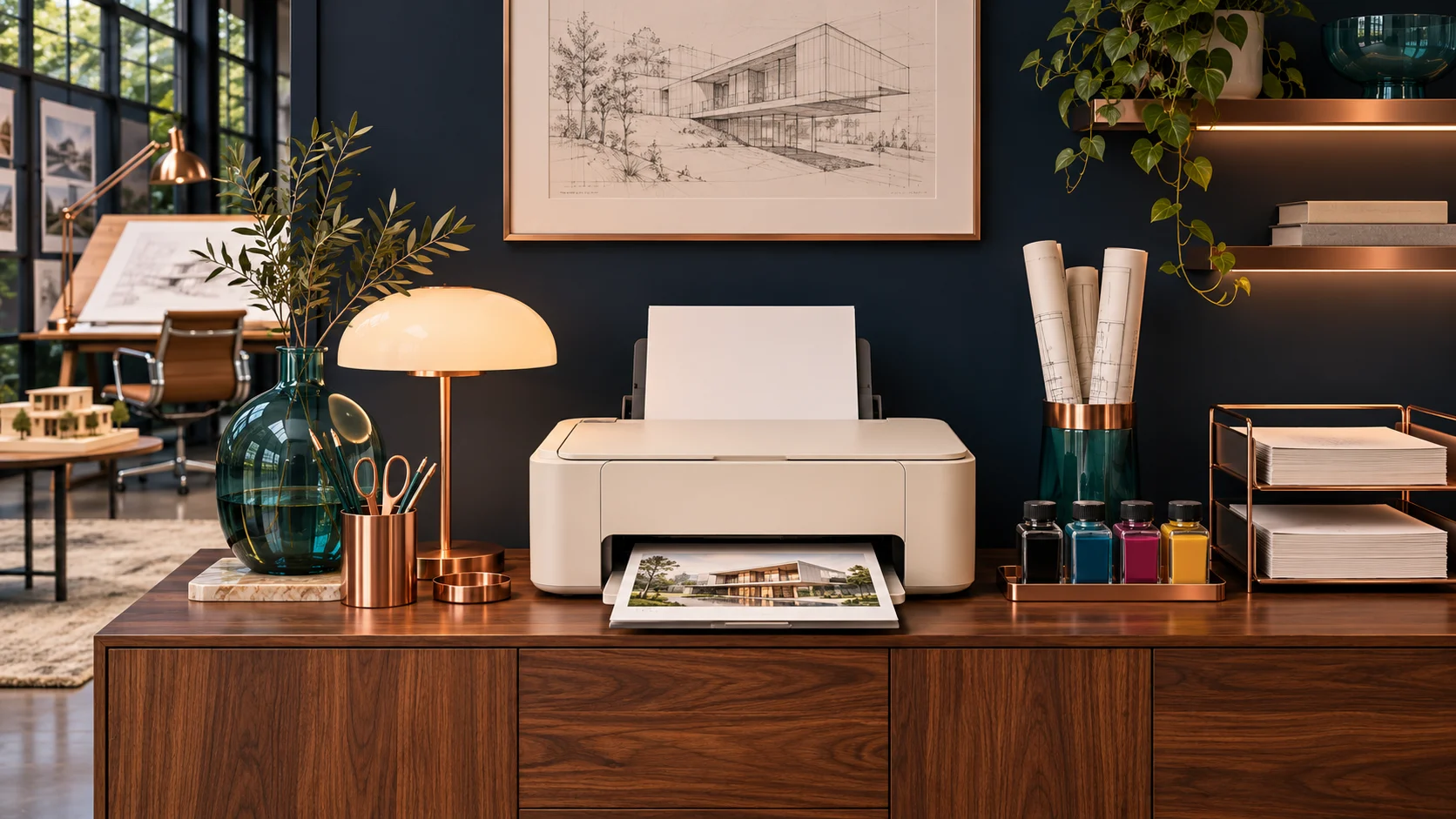
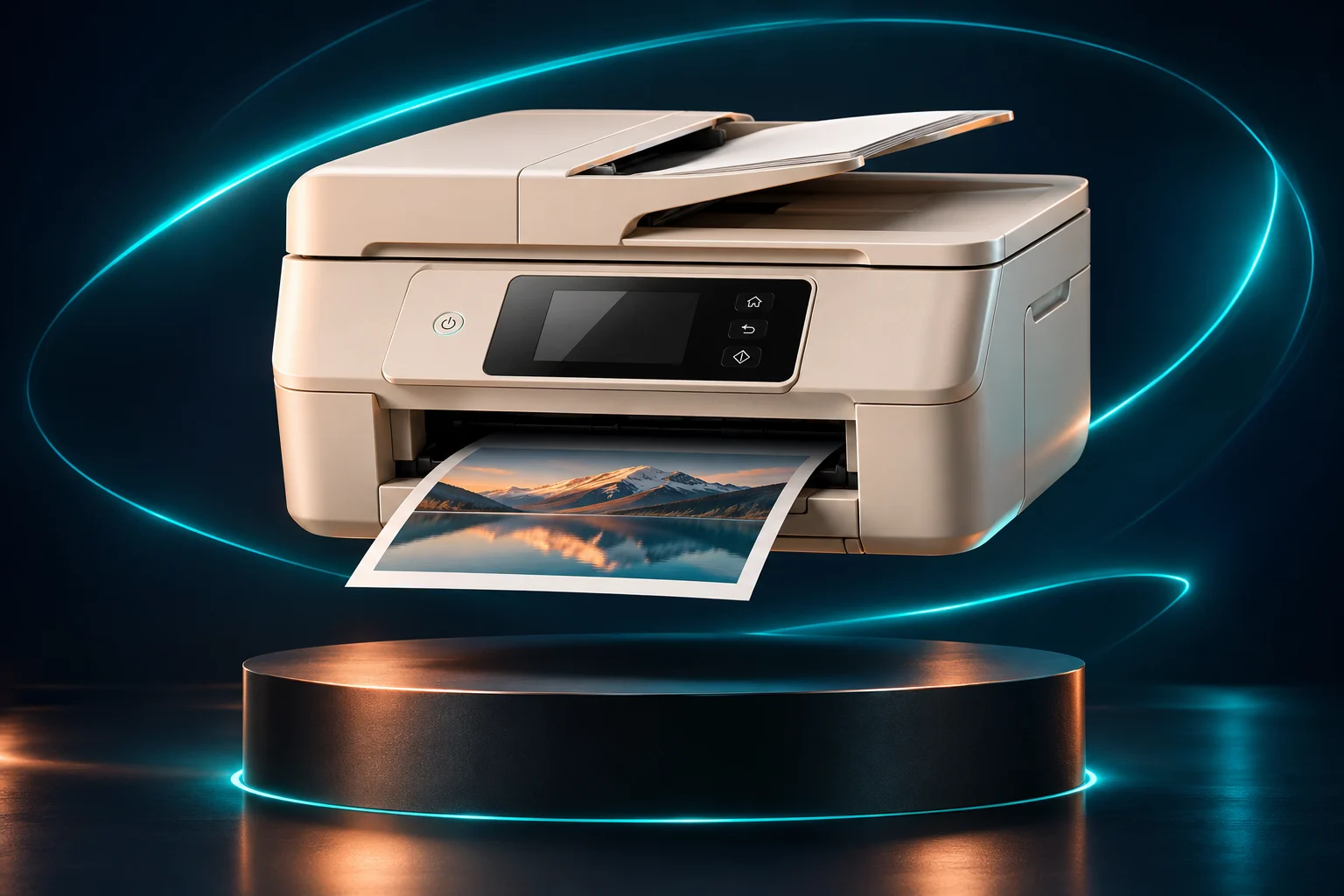 FIG. 01 / THE DESKTOP, REIMAGINED
01 / The showroom
Shop All Printers
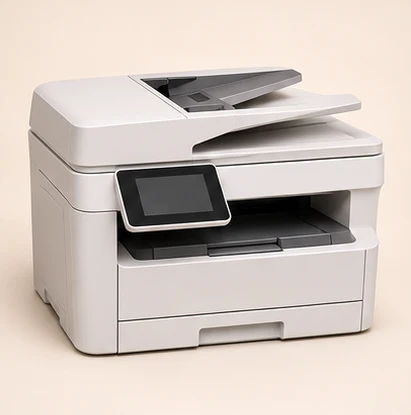
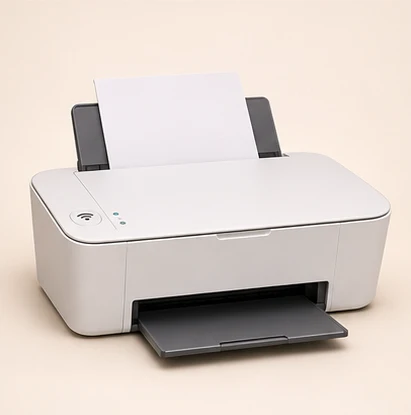
HomePrint Essential
Print schoolwork, household forms and quick photos from a compact inkjet.
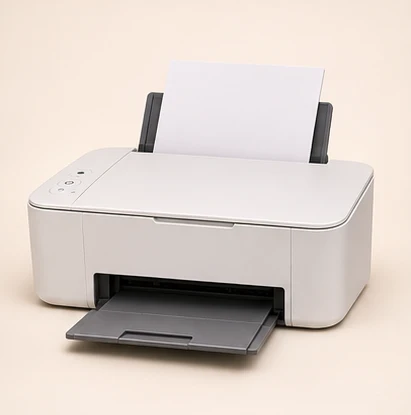
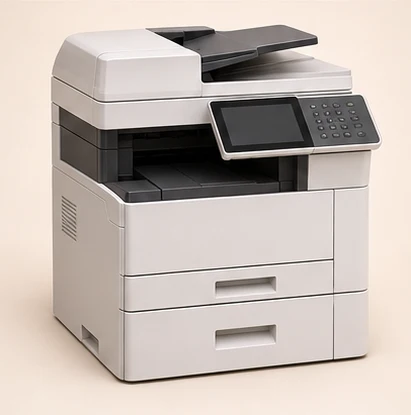
Family Studio R6230
Print borderless family photos and scan paperwork from one compact machine.
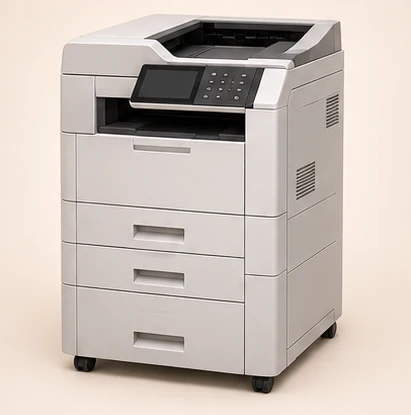
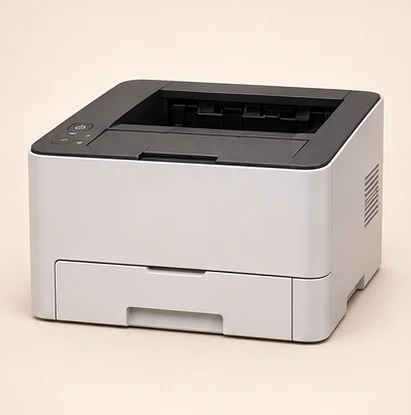
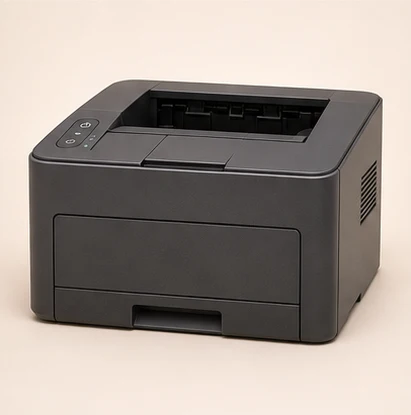
Enterprise Laser RS700
Handle large print queues with fast laser output and secure PIN release.
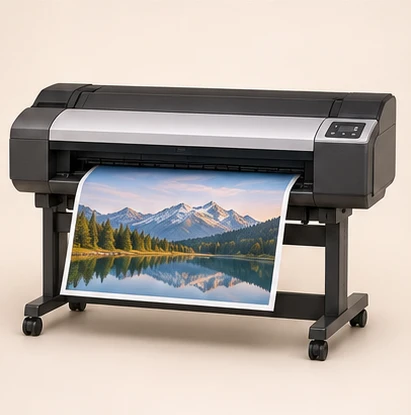
Creator Canvas XR1000
Give artwork room to breathe with A3+ printing and a six-color ink system.
02 / Find your fit
Shop by Printing Needs
 03 / MAKE ROOMWorkspace Essentials
03 / Buying guide
What do you print most?
01 / Documents
Text and paperwork
If you mostly print reports, invoices or forms, compare monochrome models for speed and two-sided printing.
Browse monochrome ↗02 / Color
Photos and creative work
Look for borderless output for photos, or check supported paper sizes for artwork and proofs.
Browse color printers ↗03 / Shared work
Scan, copy and print
Look for an automatic document feeder if you regularly scan multi-page files, and check how your team will connect.
Browse office printers ↗Printer basics
Inkjet, laser or ink tank?
01
Inkjet
A useful starting point for photos, school projects and occasional color. Check the paper types and sizes the model supports.
02
Laser
Consider laser for frequent text documents. Compare two-sided printing, tray capacity and toner yield.
03
Ink tank
Consider refillable tanks for regular color printing. Compare bottle yields and check the maintenance instructions.
Desk checklist
Measure twice, print once.
01
Make room to work
Leave space to open the paper tray, scanner lid and rear access panel.
02
Check your devices
Confirm the printer supports your computer or phone and the connection you plan to use.
03
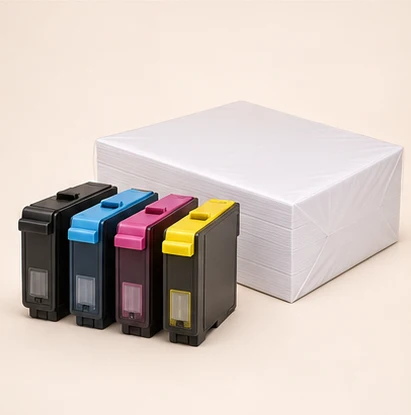
Plan for supplies
Check cartridge or toner codes, page yields and the paper you use most.